ClickPost D2C Industry Trends Report 2026

Shadowfax Tracking and API Integration with ClickPost

Seamlessly integrate Shadowfax API with ClickPost for efficient real-time tracking, automated order management, and optimized delivery performance. Streamline your logistics today!

Shadofax - Banner

Trusted by 450+ global brands

PUMA - SVG - 50
Decathlon-slider-logo
nykaa-slider-logo
Herbalife - SVG - 50
lenskart-slider-logo
Dogtra - SVG - 50
The Body Shop - SVG - 50
Birkenstock - SVG - 50
New Me - Slider Logo
Palome - SVG- 50
Tata 1mg - Gray - 50
Adidas - SVG - 50
Jackery - SVG - 50
Oriflame - SVG - 50
Giva - Slider Logo
Mars - Slider Logo - SVG
Sotheby - SVG - 50
ABFRL - SVG - 50
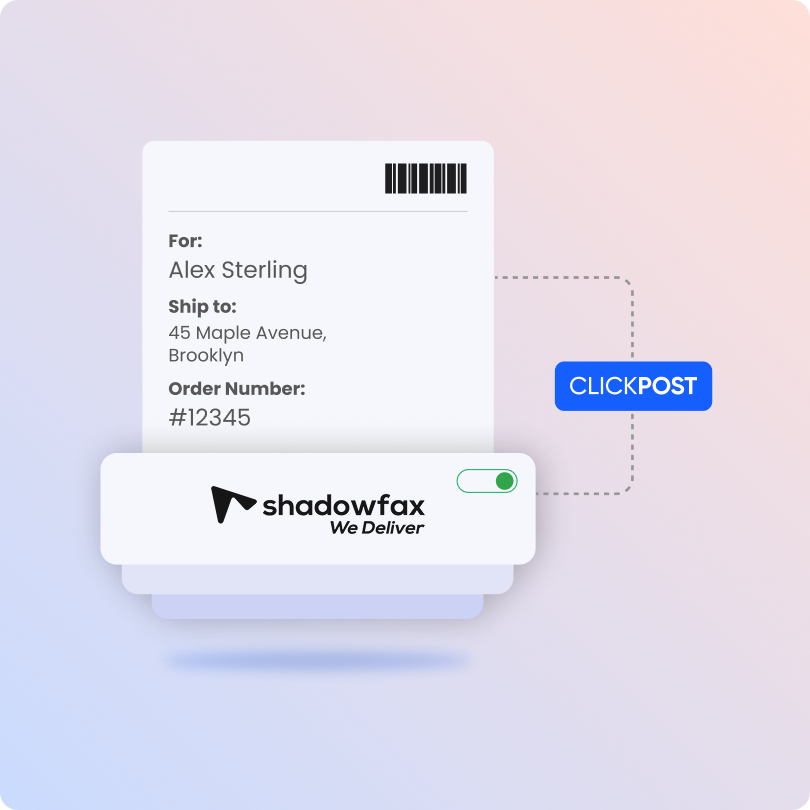
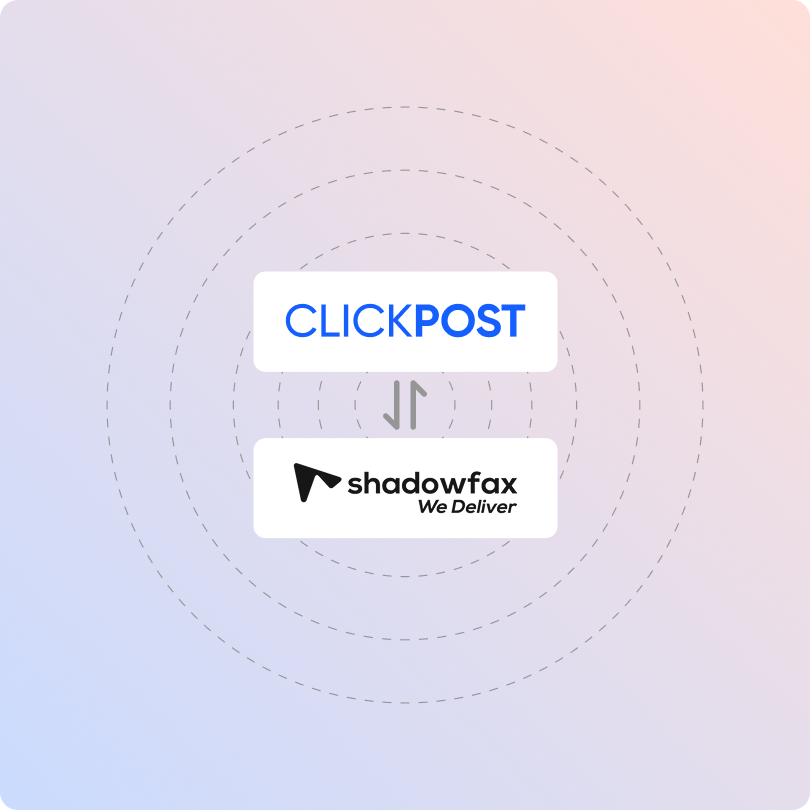
Shadofax - Integration

Benefits of Connecting with Shadowfax through ClickPost

Pair Shadowfax's delivery speed with ClickPost's automation to recover more orders and keep customers informed.

  • Recover failed deliveries using the NDR Journey Builder, cutting RTOs by 30%.

  • Keep buyers updated with automated SMS, email, and WhatsApp alerts, lifting NPS by 40%.

  • Resolve delivery issues earlier with automated exception handling, reducing exceptions by 25%.

Check the integration library

Partner ID Order Creation Cancellation Tracking via Polling Tracking via Webhook Proof of Delivery (POD) Non Delivery Report (NDR) Create Pickup Request AWB Generation Flow Label Generation Country
Shadowfax - Favicon
ShadowFax
9 -- --

How to Track Shadowfax Packages?

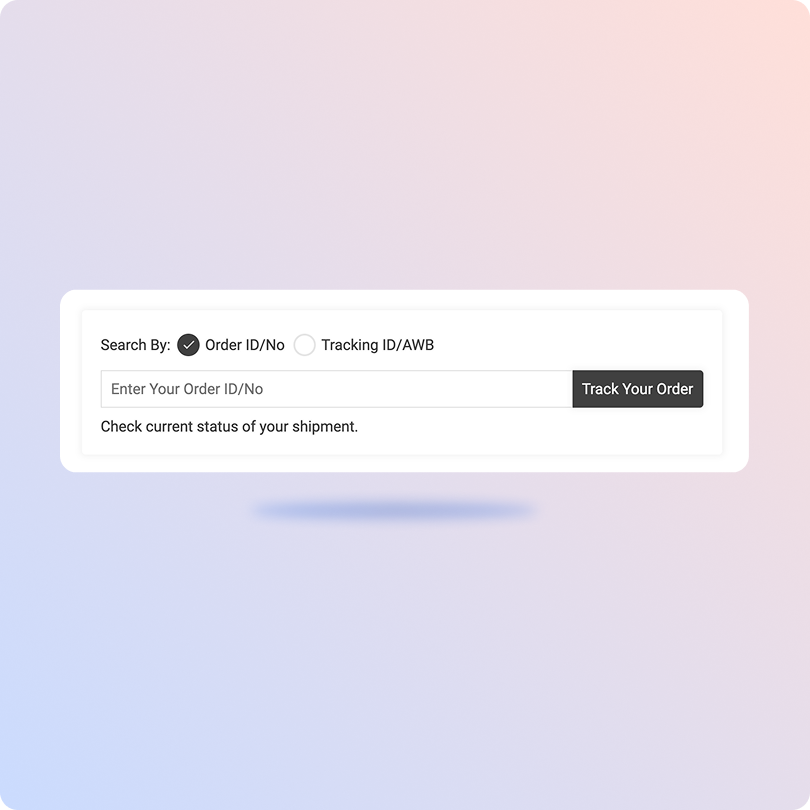
Track Shadowfax Packages with the ClickPost Tracking Page

  1. Find your Shadowfax tracking number.

  2. Go to the ClickPost Tracking Page.

  3. Enter your tracking number in the field provided.

  4. Click "Track" to see your shipment's current status.

Track Shadowfax Packages on the Official Page

  1. Visit the Shadowfax website and find the tracking box.

  2. Enter one AWB number, or paste several separated by commas.

  3. Click the "Track" button.

  4. Your latest shipment status appears within seconds.

List of Shadowfax APIs

API Description
Manifestation and Label Generation API Create orders and generate ready-to-print shipping labels in one step.
Shipment Tracking API Follow every parcel in real time, from pickup to delivery.
Cancellation API Cancel a shipment before dispatch when an order falls through.
EDD API Show customers an expected delivery date upfront, before they check out.
NDR Action Update Respond to failed deliveries and send the next instruction back to the carrier.
Return Webhooks Get automatic updates on return shipments as they move back to you.
API & Description
Manifestation and Label Generation API
Create orders and generate ready-to-print shipping labels in one step.
Shipment Tracking API
Follow every parcel in real time, from pickup to delivery.
Cancellation API
Cancel a shipment before dispatch when an order falls through.
EDD API
Show customers an expected delivery date upfront, before they check out.
NDR Action Update
Respond to failed deliveries and send the next instruction back to the carrier.
Return Webhooks
Get automatic updates on return shipments as they move back to you.

Frequently asked questions

Everything you need to know about ClickPost’s Carrier Allocation

How does ClickPost use AI for Carrier Allocation?

ClickPost uses AI-driven algorithms to analyze multiple factors, such as cost, turnaround times, SLA Adherence for carriers, to recommend the best carrier for each shipment.

How does ClickPost use AI for Carrier Allocation?

ClickPost uses AI-driven algorithms to analyze multiple factors, such as cost, turnaround times, SLA Adherence for carriers, to recommend the best carrier for each shipment.

How does ClickPost use AI for Carrier Allocation?

ClickPost uses AI-driven algorithms to analyze multiple factors, such as cost, turnaround times, SLA Adherence for carriers, to recommend the best carrier for each shipment.

How does ClickPost use AI for Carrier Allocation?

ClickPost uses AI-driven algorithms to analyze multiple factors, such as cost, turnaround times, SLA Adherence for carriers, to recommend the best carrier for each shipment.

Shadowfax FAQ's

How do I integrate the Shadowfax API into my ecommerce platform in India?

To integrate the Shadowfax API, you first sign up as a Shadowfax merchant, get your API credentials, and connect three core calls: serviceability check, order creation, and pickup scheduling. Most teams chain these to their order management system. The faster route is ClickPost, which comes pre-integrated with Shadowfax. You go live in a single click, skip direct credential and IP-whitelisting setup, and manage everything through one dashboard.

Which courier API is best for hyperlocal delivery tracking in India: Shadowfax, Dunzo, or Porter?

The best choice depends on what you ship. Shadowfax suits high-volume ecommerce, D2C, and quick commerce, with deep reach across 18,000+ pin codes and 9-minute delivery options. Dunzo fits ultra-fast micro-radius retail in metros. Porter handles bulk and heavy intra-city freight. For scaling brands needing both national parcel and fast local delivery, Shadowfax usually wins. ClickPost lets you connect all three and compare performance on one screen.

What does the Shadowfax API offer for real-time order tracking, and what are its rate limits?

The Shadowfax API tracks shipments in real time through two methods: polling, where you request status using the AWB, and webhooks, where Shadowfax pushes updates to your server the moment a status changes. It covers milestones from pickup to delivery. Rate limits are not fixed publicly. They are set per merchant account based on your order volume and tier. With ClickPost, tracking flows automatically via webhook, so rate management is handled for you.

How do I use Shadowfax webhooks to send live delivery updates to customers?

To send live updates, you register an HTTPS callback URL with Shadowfax, then listen for the JSON payloads it pushes whenever a shipment status changes. Your server reads the status and triggers an SMS, email, or WhatsApp alert to the customer. Returning a fast 200 response prevents retries. ClickPost simplifies this further. It ingests Shadowfax webhooks and fires automated milestone notifications across SMS, email, and WhatsApp without custom code.

How do I generate a waybill and track shipment status using the Shadowfax API?

You generate a waybill by sending an order creation request with pickup, customer, and package details. On success, Shadowfax returns an AWB number and a label you can print. To track, you query the tracking endpoint with that AWB and receive the current status plus history. ClickPost handles both steps for you. It manifests orders, generates Shadowfax labels, and pulls live tracking into one dashboard, even for bulk uploads.

Can the Shadowfax API track same-day hyperlocal deliveries in Tier 2 cities?

Yes. Shadowfax operates across 18,000+ pin codes in India, giving it a real footprint in Tier 2 and Tier 3 cities, not just metros. Its crowd-sourced Gigs fleet handles local rider availability, and the same tracking architecture used in big cities scales to smaller ones without code changes. ClickPost tracks these Shadowfax shipments in real time and pushes milestone updates to customers, so visibility stays consistent across every location.

How do I map Shadowfax tracking statuses to custom order states in my Shopify store?

You map Shadowfax statuses to Shopify by translating each milestone into a Shopify fulfillment state using the Fulfillment API or middleware. Pickup maps to fulfilled, transit triggers an out-for-delivery alert, and delivery archives the order. Building this yourself means maintaining the logic as statuses change. ClickPost does the mapping out of the box. It syncs Shadowfax milestones to your Shopify orders and triggers the right customer notification at each stage.

How do quick commerce startups integrate Shadowfax for real-time rider tracking in their apps?

Quick commerce startups stream Shadowfax rider locations into their apps using an event-driven setup. Shadowfax pushes GPS and ETA updates via webhook, the startup's backend pipes them through a real-time layer like Redis or Kafka, and the customer app renders the moving rider over a maps SDK. This powers the live tracking seen in 9-minute delivery apps. ClickPost can capture these Shadowfax webhook events centrally, reducing the integration load on engineering teams.

How is the Shadowfax hyperlocal API different from its standard courier API for same-day delivery?

The two differ in how the delivery is routed. The standard courier API uses a hub-and-spoke model, where parcels are collected, sorted at a center, and dispatched on delivery routes, relying on cutoff times. The hyperlocal API uses direct point-to-point delivery, where one rider picks up your item and takes it straight to the customer within minutes to a couple of hours. ClickPost supports Shadowfax across both models through a single integration.

How do I handle Shadowfax returns and reverse pickups through an API?

You handle Shadowfax returns through its reverse logistics service, which schedules a pickup from the customer and routes the item back to your warehouse. Shadowfax supports quality checks at pickup, useful for fashion and electronics. Through the API, you trigger the reverse order and track it back. ClickPost makes this simpler, using return webhooks to initiate the process and give you live visibility on every reverse shipment.

Streamline your shipping experience with ClickPost

image (3)-3