ClickPost D2C Industry Trends Report 2026

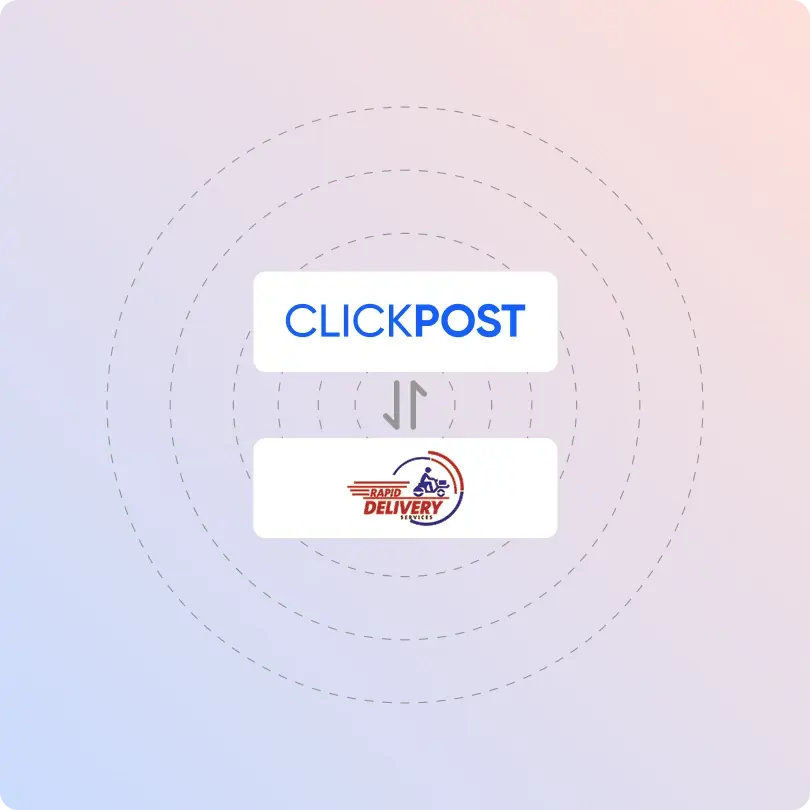
Rapid Delivery Tracking and API Integration with ClickPost

Increase operational efficiency by 30% with ClickPost’s unified dashboard.

Rapid-delivery-integration

Trusted by 450+ global brands

PUMA - SVG - 50
Decathlon-slider-logo
nykaa-slider-logo
Herbalife - SVG - 50
lenskart-slider-logo
Dogtra - SVG - 50
The Body Shop - SVG - 50
Birkenstock - SVG - 50
New Me - Slider Logo
Palome - SVG- 50
Tata 1mg - Gray - 50
Adidas - SVG - 50
Jackery - SVG - 50
Oriflame - SVG - 50
Giva - Slider Logo
Mars - Slider Logo - SVG
Sotheby - SVG - 50
ABFRL - SVG - 50
Rapid-delivery-clickpost

Benefits of Connecting with Rapid Delivery through ClickPost

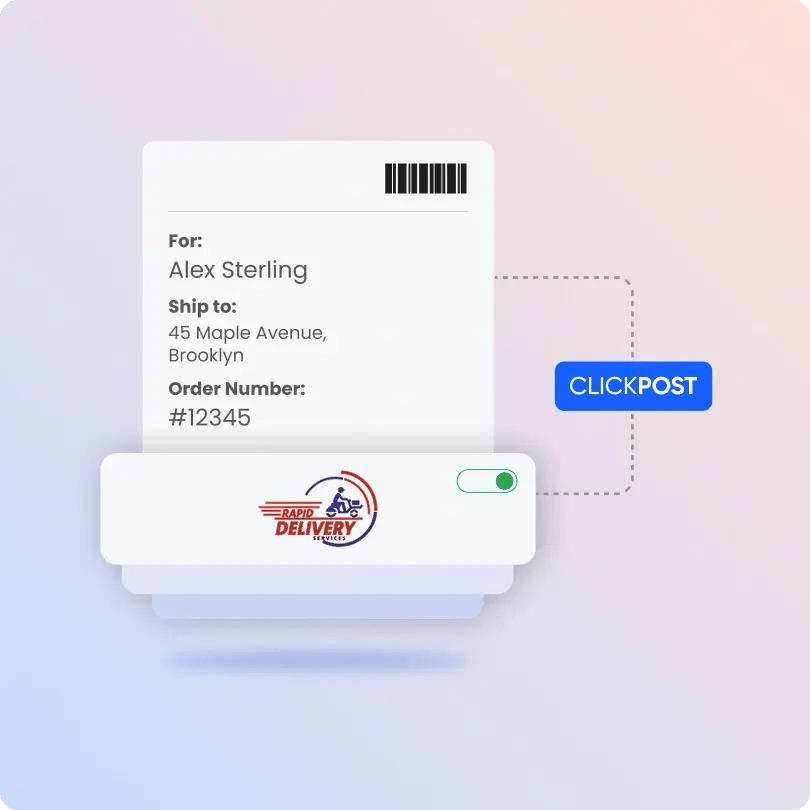
Boost your shipping process with ClickPost’s smart shipping solutions while enabling real-time tracking updates.

  • Lower 75% support load with real-time tracking and multichannel customer alerts.

  • Resolve failed deliveries by 90% with ClickPost’s real-time, multilingual AI customer support agent.

  • Achieve faster deliveries by 31% with automated carrier allocation.

Check the integration library

Partner ID Order Creation Cancellation Tracking via Polling Tracking via Webhook Proof of Delivery (POD) Non Delivery Report (NDR) Create Pickup Request AWB Generation Flow Label Generation Country
Rapid-delivery-logo
Rapid Delivery
5 India

How to Track Rapid Delivery Packages

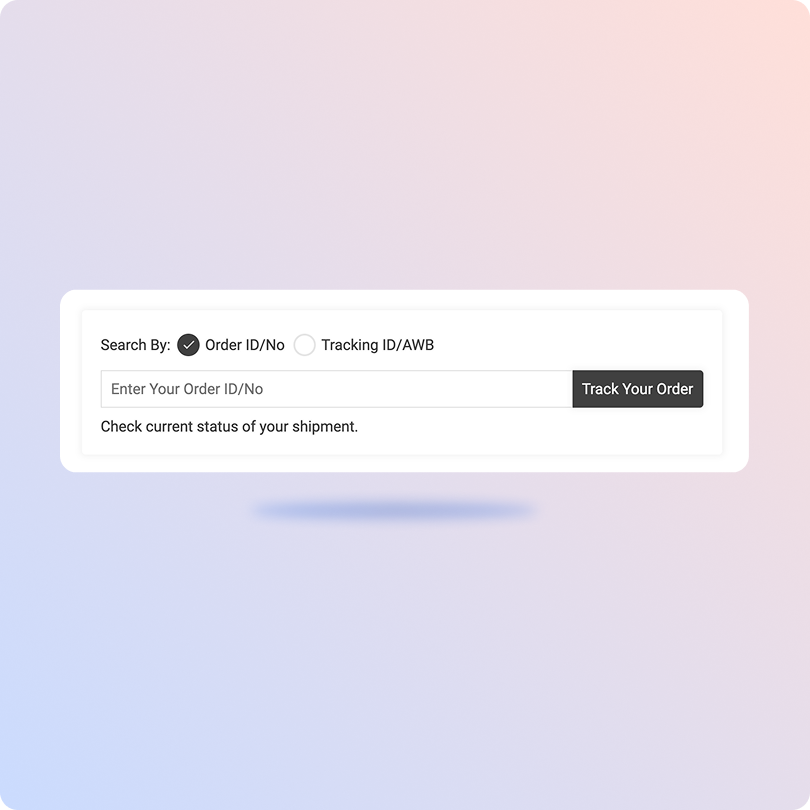
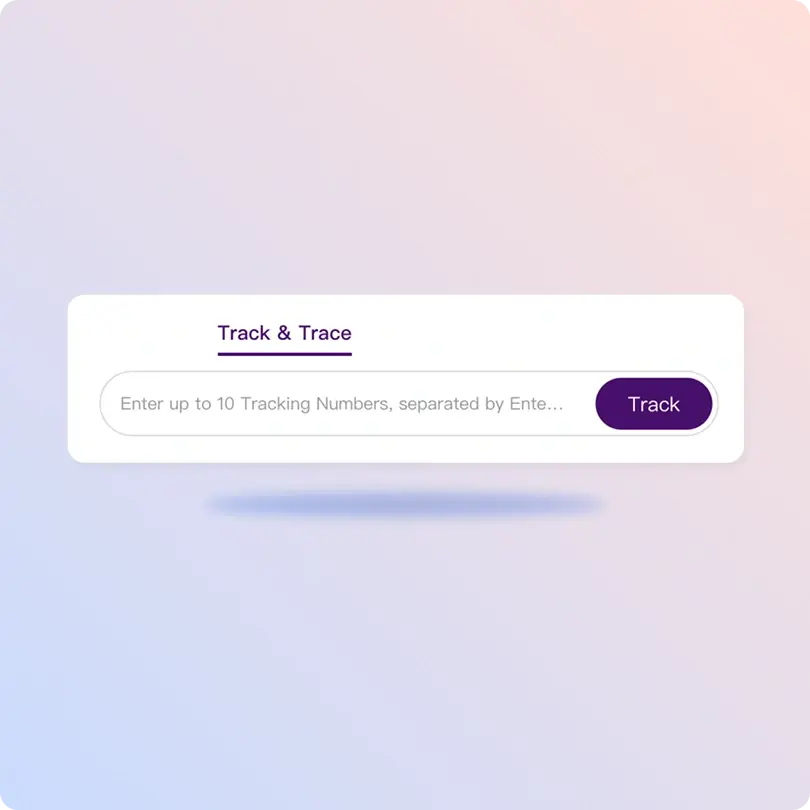
Track Rapid Delivery Packages with the ClickPost Tracking Page

  • Obtain the tracking number for the Rapid Delivery Package.
  • Head to ClickPost’s tracking portal.
  • Enter the tracking number in the designated area.
  • Hit “Track,” and you will get the real-time shipment updates.
Track Rapid Delivery Packages on the Official Page

The official tracking page for Rapid Delivery is currently unavailable. However, the tracking process would typically work as follows:

  • Visit the official Rapid Delivery tracking page.

  • Enter the tracking number or reference number.

  • Click on the “Search” button.

  • You will be directed to see the status of your package.

List of Rapid Delivery APIs

API Description
Manifestation and Label Generation API Create shipping labels and generate AWB numbers in seconds, with no manual intervention.
Track Shipment API Get checkpoint-specific delivery updates on a centralized dashboard.
Cancellation API Quickly cancel any shipment the easy way.
EDD API Display the expected delivery dates to increase brand loyalty.
NDR Action Update Improve delivery rates and safeguard your profit margin by addressing failed deliveries.
Return Webhooks Seamlessly manage entire reverse logistics and build brand loyalty with Rapid Delivery-integrated webhooks.
API & Description
Manifestation and Label Generation API
Create shipping labels and generate AWB numbers in seconds, with no manual intervention.
Track Shipment API
Get checkpoint-specific delivery updates on a centralized dashboard.
Cancellation API
Quickly cancel any shipment the easy way.
EDD API
Display the expected delivery dates to increase brand loyalty.
NDR Action Update
Improve delivery rates and safeguard your profit margin by addressing failed deliveries.
Return Webhooks
Seamlessly manage entire reverse logistics and build brand loyalty with Rapid Delivery-integrated webhooks.

Frequently asked questions

Everything you need to know about ClickPost’s Carriers Integration

How does ClickPost use AI for Carrier Allocation?

ClickPost uses AI-driven algorithms to analyze multiple factors, such as cost, turnaround times, SLA Adherence for carriers, to recommend the best carrier for each shipment.

How does ClickPost use AI for Carrier Allocation?

ClickPost uses AI-driven algorithms to analyze multiple factors, such as cost, turnaround times, SLA Adherence for carriers, to recommend the best carrier for each shipment.

How does ClickPost use AI for Carrier Allocation?

ClickPost uses AI-driven algorithms to analyze multiple factors, such as cost, turnaround times, SLA Adherence for carriers, to recommend the best carrier for each shipment.

How does ClickPost use AI for Carrier Allocation?

ClickPost uses AI-driven algorithms to analyze multiple factors, such as cost, turnaround times, SLA Adherence for carriers, to recommend the best carrier for each shipment.

Frequently asked questions (FAQ's)

How does ClickPost handle failed delivery attempts for Rapid Delivery shipments?

Through Rapid Deliver, ClickPost automatically tags failed delivery attempts and triggers alerts such as customer notifications via SMS, email, or WhatsApp, reattempt scheduling, or RTO initiation. This helps you reduce NDR (Non-Delivery Report) cases and improve delivery success rates.

Can I set up automated notifications for Rapid Delivery shipments through ClickPost?

Yes, ClickPost allows you to set up automated WhatsApp, SMS, and email notifications for each tracking milestone. Customers receive real-time updates from pickup to delivery, significantly reducing WISMO (Where Is My Order) queries.

How does ClickPost manage RTO (Return to Origin) for Rapid Delivery?

ClickPost immediately triggers the RTO workflow when Rapid Delivery marks a shipment as undeliverable. You get real-time RTO status updates, helping you reconcile inventory faster and take timely action on returned shipments.

Can I track Rapid Delivery shipments in bulk using ClickPost?

Yes, ClickPost supports bulk tracking for Rapid Delivery shipments through its dashboard and API. You can pull status updates for hundreds of AWBs simultaneously, making it easy to monitor large order volumes without manual tracking.

Does ClickPost provide analytics for Rapid Delivery shipment performance?

Yes, ClickPost's analytics dashboard provides insights into Rapid Delivery's performance metrics, including delivery TAT, exception rates, RTO percentages, and city-wise delivery success. This helps you make better data-driven logistics decisions.

Streamline your shipping experience with ClickPost

image (3)-3