PicoXpress Tracking and API Integration with ClickPost
ClickPost helps brands reduce order-status queries by up to 60%, improve delivery visibility with real-time PicoXpress tracking updates, and automate shipment monitoring across the entire fulfillment journey.
Trusted by 450+ global brands

Benefits of Connecting with PicoXpress through ClickPost
Connecting PicoXpress with ClickPost enables brands to achieve:
-
35% improved SLA adherence, ensuring more reliable fulfillment performance.
-
22% lower shipping costs, optimizing overall logistics spend.
-
Up to 54% of returns converted into exchanges.
Check the integration library
| Partner ID | Order Creation | Cancellation | Tracking via Polling | Tracking via Webhook | Proof of Delivery (POD) | Non Delivery Report (NDR) | Create Pickup Request | AWB Generation Flow | Label Generation | Country | |
|---|---|---|---|---|---|---|---|---|---|---|---|

Pico Xpress
|
5 | ✓ | ✓ | ✓ | ✓ | ✓ | ✓ | ✓ | ✓ | India |
PicoXpress Services with ClickPost
How to Track PicoXpress Packages
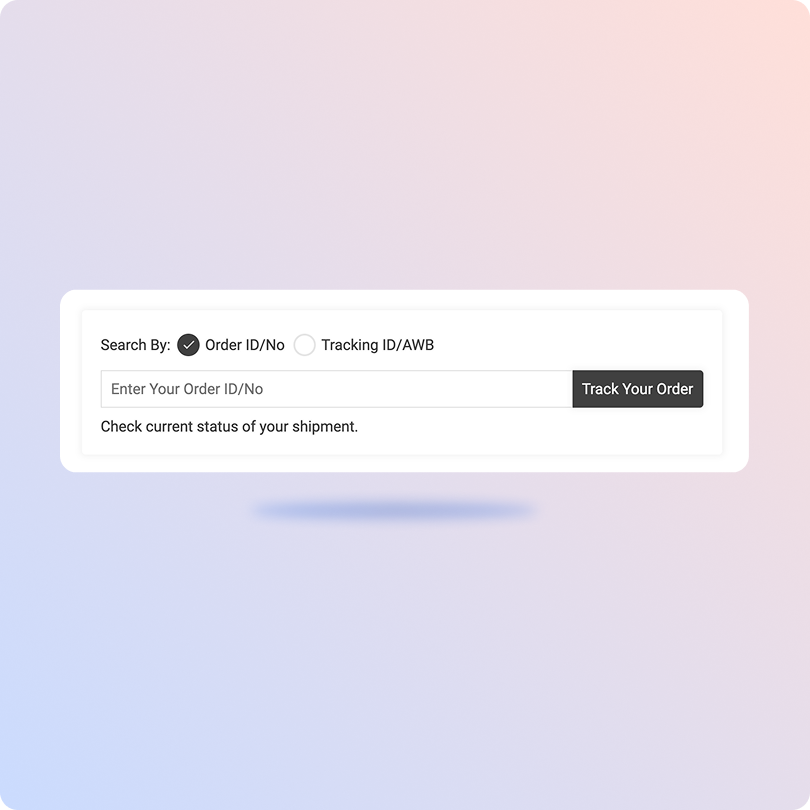
Track PicoXpress with the ClickPost Tracking Page
-
Open the ClickPost tracking page.
-
Enter your PicoXpress AWB number or tracking ID in the tracking field.
-
Submit the tracking request to fetch the latest shipment details.
-
View real-time shipment milestones, transit updates, and delivery status on a single tracking dashboard.
Track PicoXpress on the Official Page
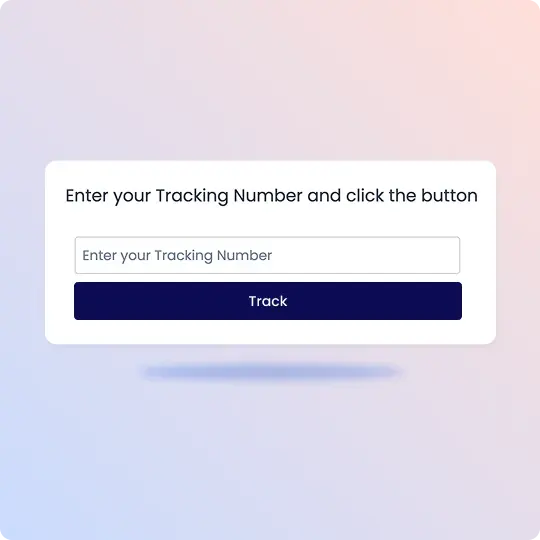
1. Visit the PicoXpress tracking page and locate the tracking search box.
2. Enter your PicoXpress tracking number exactly as provided in your shipping confirmation or AWB details.
3. Click the Track button to retrieve the latest shipment information.
4. View real-time tracking updates, including current shipment status, transit history, and delivery progress.
List of PicoXpress APIs
| API | Description |
|---|---|
| Manifestation and Shipping Label Generation API | Create shipping labels and manifest shipments using customer and order information. |
| Track Shipment API | Retrieve real-time shipment tracking updates and delivery milestones. |
| Cancellation API | Cancel shipment requests and automate order cancellation workflows. |
| EDD API | Calculate estimated delivery dates based on destination pin codes and serviceability. |
| NDR Action Update | Automate customer communication and resolution workflows for failed delivery attempts. |
| Return Webhooks | Enable automated returns processing and reverse logistics workflows. |
Frequently asked questions
How does ClickPost use AI for Carrier Allocation?
ClickPost uses AI-driven algorithms to analyze multiple factors, such as cost, turnaround times, SLA Adherence for carriers, to recommend the best carrier for each shipment.
How does ClickPost use AI for Carrier Allocation?
ClickPost uses AI-driven algorithms to analyze multiple factors, such as cost, turnaround times, SLA Adherence for carriers, to recommend the best carrier for each shipment.
How does ClickPost use AI for Carrier Allocation?
ClickPost uses AI-driven algorithms to analyze multiple factors, such as cost, turnaround times, SLA Adherence for carriers, to recommend the best carrier for each shipment.
How does ClickPost use AI for Carrier Allocation?
ClickPost uses AI-driven algorithms to analyze multiple factors, such as cost, turnaround times, SLA Adherence for carriers, to recommend the best carrier for each shipment.
Frequently asked questions (FAQ's)
What services does PicoXpress support through ClickPost?
Does PicoXpress have an API for ecommerce integration?
How does ClickPost improve shipment visibility for PicoXpress orders?
What shipment types does PicoXpress API support?
How are returns managed for PicoXpress shipments?
Does ClickPost automate label printing for PicoXpress?
Streamline your shipping experience with ClickPost