Logistify Tracking and API Integration with ClickPost
Integrate Logistify with ClickPost to create a seamless post-purchase experience that includes branded tracking pages, automated customer notifications, and smart carrier allocation.
Trusted by 450+ global brands

Benefits Of Connecting Logistify With ClickPost
Upgrade your logistics game with the combined smart solutions of Logistify and ClickPost:
- Eliminate manual efforts and improve operational efficiency by 28%.
- Trigger alerts across various channels, resulting in a 33% improvement in Net Promoter Scores (NPS).
- Lower 'Where Is My Order' (WISMO) queries by 80% and increase customer loyalty through a branded tracking portal and on-time delivery alerts.
Check the integration library
| Partner ID | Order Creation | Cancellation | Tracking via Polling | Tracking via Webhook | Proof of Delivery (POD) | Non Delivery Report (NDR) | Create Pickup Request | AWB Generation Flow | Label Generation | Country | |
|---|---|---|---|---|---|---|---|---|---|---|---|
Logistify
|
5 | ✓ | ✓ | ✓ | ✓ | ✓ | ✓ | ✓ | ✓ | India |
Logistify Services with ClickPost
How To Track Logistify Packages
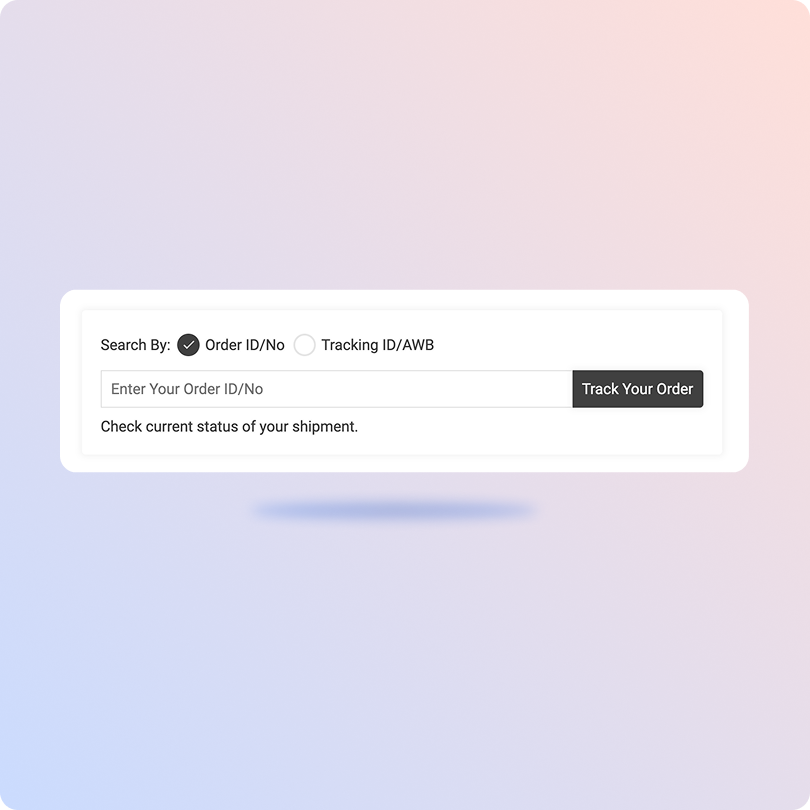
Track Logistify Packages With ClickPost Tracking Page
- Find your AWB (Air Waybill) or order number in the shipping confirmation email or SMS.
- Go to ClickPost’s official tracking page.
- Once redirected, enter your AWB or order number in the search bar.
- Click on “Track” to see real-time updates of your shipment.
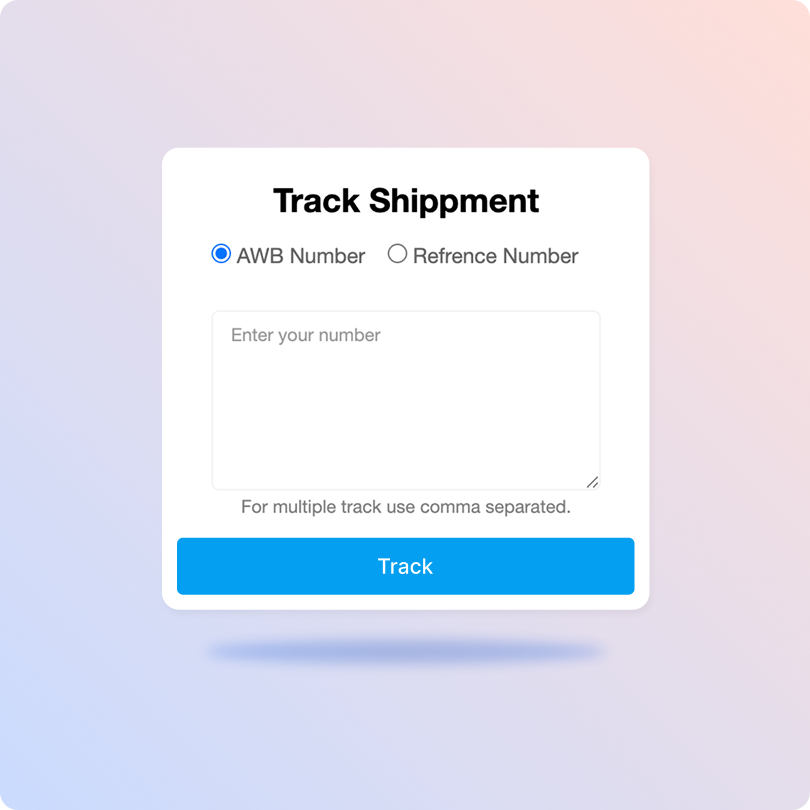
Track Logistify Packages On The Official Site
- Obtain the AWB or order number for tracking.
- Visit Logistify's official tracking page.
- Enter the AWB or order number in the search field.
- Click the “Check Now” button to view the current status of your shipment.
List of Logistify APIs
| API | Description |
|---|---|
| Manifestation and Label Generation API | Create Logistify shipment orders and generate shipping labels in bulk. |
| Track Shipment API | Get real-time updates of every Logistify shipment through ClickPost’s unified dashboard. |
| Cancellation API | Instantly cancel Logistify shipments without contacting the shipping carriers. |
| EDD API | Display accurate expected delivery dates on product and checkout pages to build brand loyalty. |
| NDR Action Update | Resolve failed delivery attempts for Logistify shipments and reduce return rates with quick actions. |
| Return Webhooks | Easily manage returns and refunds of Logistify shipments. |
Frequently asked questions
How does ClickPost use AI for Carrier Allocation?
ClickPost uses AI-driven algorithms to analyze multiple factors, such as cost, turnaround times, SLA Adherence for carriers, to recommend the best carrier for each shipment.
How does ClickPost use AI for Carrier Allocation?
ClickPost uses AI-driven algorithms to analyze multiple factors, such as cost, turnaround times, SLA Adherence for carriers, to recommend the best carrier for each shipment.
How does ClickPost use AI for Carrier Allocation?
ClickPost uses AI-driven algorithms to analyze multiple factors, such as cost, turnaround times, SLA Adherence for carriers, to recommend the best carrier for each shipment.
How does ClickPost use AI for Carrier Allocation?
ClickPost uses AI-driven algorithms to analyze multiple factors, such as cost, turnaround times, SLA Adherence for carriers, to recommend the best carrier for each shipment.
Frequently asked questions (FAQ's)
How does ClickPost's integration with Logistify improve my overall shipping efficiency?
Can I automate carrier selection between Logistify and other carriers on ClickPost?
How does ClickPost ensure customers stay informed about their Logistify shipments?
What happens when a Logistify shipment gets stuck or delayed? How does ClickPost respond?
Can I reconcile Logistify COD remittances and shipment data directly through ClickPost?
Streamline your shipping experience with ClickPost